How to Get Your Logo Print-Ready (Even If You Only Have a Screenshot)
How to Get Your Logo Print-Ready (Even If You Only Have a Screenshot)
You’d be surprised how often this happens:
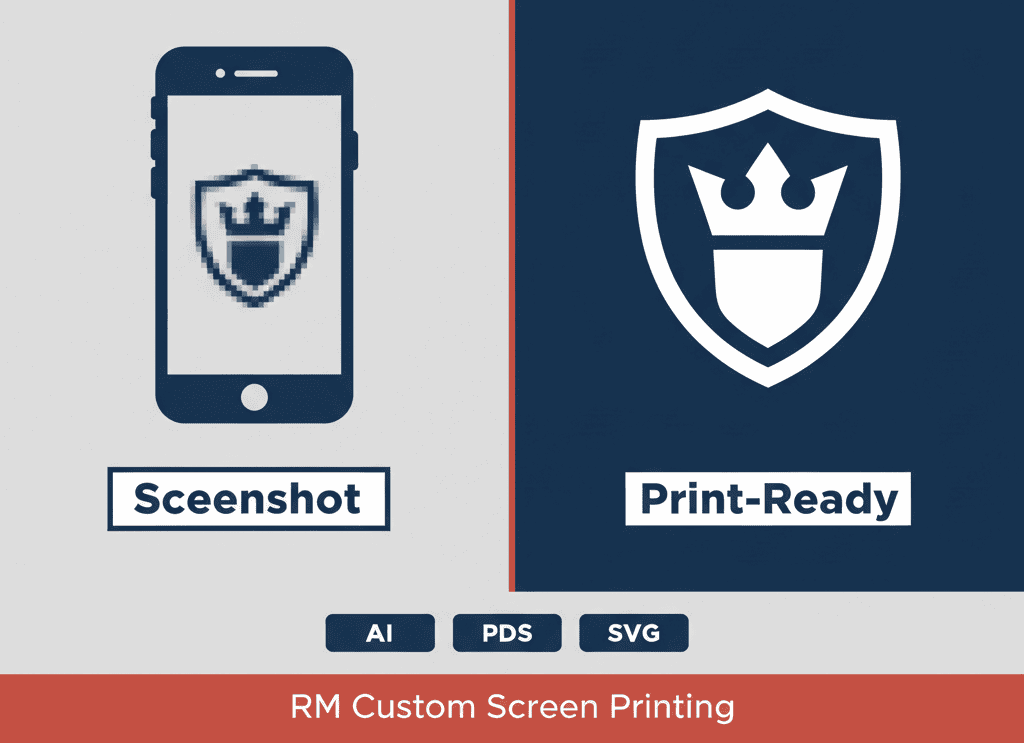
“Hey… I only have a screenshot of our logo. Is that okay?”
Sometimes yes. Sometimes it’ll print like a blurry potato.
Here’s what “print-ready” actually means, what files to send, and what we can do if you don’t have the perfect logo file.
What “print-ready” means
A print-ready logo is:
Clear and high resolution
The right format for the job (print vs embroidery)
Not pixelated when it’s sized up
If your logo looks sharp on screen, that’s a good start—but printing is less forgiving.
Vector vs raster (quick explanation)
Vector (AI, EPS, SVG, some PDFs): can scale up/down without getting blurry.
Raster (JPG, PNG): made of pixels; can get fuzzy when enlarged.
If you want the “easy button” for printing, vector is it.
The most common file problems (and fixes)
Screenshot logos → sometimes usable for small prints; often need cleanup.
Low-res JPGs → can be redrawn or converted to vector.
Weird backgrounds → we can remove them.
Too many tiny details → may need simplifying for embroidery.
What you should send (AI, EPS, PDF, SVG)
Best files to send:
AI
EPS
PDF (vector)
SVG
If you don’t have those, send:
High-res PNG (transparent if possible)
The biggest version you can find
What happens if you don’t have it (logo rescue options)
If all you’ve got is a screenshot, no worries—send it anyway.
I can usually:
clean it up
rebuild it as a vector
adjust it so it stitches/prints cleanly
How this affects cost + timeline
Logo cleanup can add:
a little design time
an extra proof step
But it also prevents:
bad prints
re-dos
delays right before your deadline
Send what you’ve got (even if it’s a screenshot). I’ll tell you if it’s usable and what it’ll take to clean it up.
Want a quick quote or mockup? Shoot me a note and tell me what you’re making + when you need it.