Design Hub 101: How to Create Custom Apparel in Minutes
(Choose→ Customize → Submit ✅)
Design Hub 101: How to Create Custom Apparel in Minutes
If you’ve ever tried ordering custom shirts and felt like you needed a graphic design degree (or 47 emails) just to get started… you’re not alone.
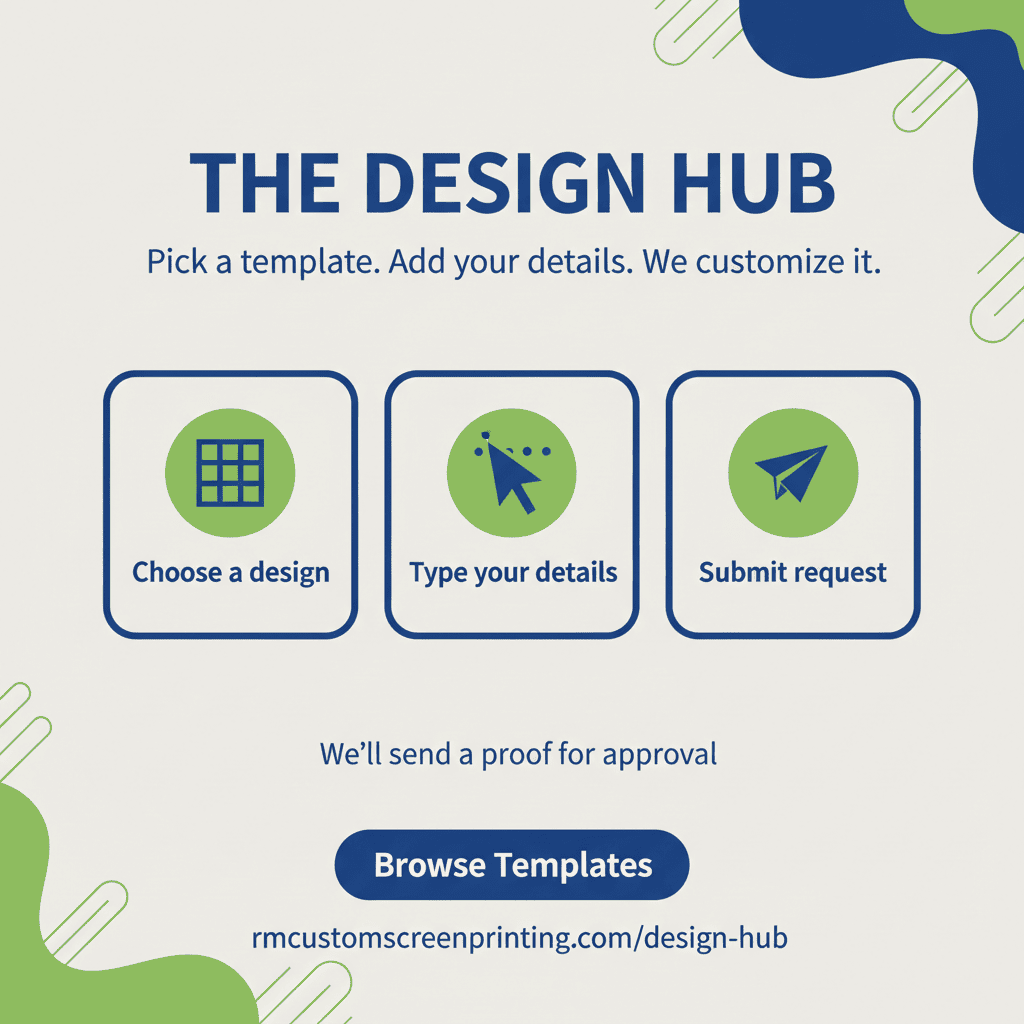
That’s exactly why we built the RM Custom Screen Printing Design Hub — a simple, guided way to create custom apparel using ready-to-go templates. You pick a design, customize it with your info, and send it in. We’ll take it from there with a proof for approval and professional production.
Use it here: https://www.rmcustomscreenprinting.com/design-hub
What is the Design Hub?
The Design Hub is our online design portal that lets you create custom apparel without starting from scratch. Instead of hunting for clipart, guessing sizes, or emailing ideas back and forth, you can:
Choose from pre-built design templates
Personalize text, names, numbers, and details
Submit your design request in a few minutes
Get a proof from us before anything is printed
It’s the fastest way to go from “I need shirts” to “Let’s make this happen.”
Who is the Design Hub for?
Pretty much anyone who wants custom apparel without the headache:
Small businesses that need branded shirts for staff or events
Schools & teams that want spirit wear, jerseys, or fan gear
Clubs & organizations planning fundraisers, trips, or group orders
Families & friend groups doing reunions, bachelor/bachelorette weekends, or inside-joke tees
Anyone who has an idea but doesn’t want to wrestle with design software
If you can click, type, and hit submit — you can use the Design Hub.
The 3-step process: Choose → Customize → Submit
1) Choose a template you love
Start by browsing designs that fit what you’re doing — business, school, team, event, funny, clean, bold, you name it.
Templates help you skip the “blank page” problem. You’re not building a design from scratch — you’re starting with something that already works.
Tip: If you’re ordering for a group, pick a design that looks good from 10 feet away. Simple usually wins.
2) Customize it with your details
Once you’ve picked a template, you’ll be able to personalize it. Depending on the design, you can typically adjust things like:
Business name or team name
Event date and location
Names and numbers
Slogans, taglines, or inside jokes
Color choices (to match your brand or school colors)
Tip: Keep your text short and punchy. The goal is readable + memorable.
3) Submit it (and we’ll send a proof)
After you submit, you’re not locked in. We’ll review what you sent and create a proof (a clean preview of how it will print).
You’ll get a chance to:
Confirm spelling and layout
Approve colors and placement
Request tweaks if needed
Nothing goes to production until you say, “Yep — that’s the one.”
Why we love the Design Hub (and why you will too)
Less back-and-forth
Instead of trying to explain your idea in an email (and hoping we read your mind), the Design Hub shows us exactly what you want.
Faster turnaround
When we start with a clear template + your details, we can move straight into proofing and production.
Cleaner, more consistent designs
Templates are built to print well. That means better spacing, better balance, and fewer “why does this look weird on a shirt?” moments.
Great for repeat orders
Need the same design again for next season, next event, or new staff? Starting from a template makes reorders way easier.
Pro tips for getting the best results
Double-check spelling (names, dates, and phone numbers love to sneak in typos)
Use high-contrast colors (dark ink on light shirts, light ink on dark shirts)
Don’t overcrowd the design (more text doesn’t always mean more impact)
Tell us the vibe if you’re unsure (clean, bold, vintage, sporty, funny — we can guide you)
Common questions (quick answers)
“Do I need to be a designer?”
Nope. That’s the point. Templates do the heavy lifting.
“Can you still help if I want something custom?”
Absolutely. The Design Hub is a great starting point — and if you want to go beyond the template, we can.
“What happens after I submit?”
We review your submission, prep a proof, and send it for approval. Once approved, we produce your order and get it ready for pickup or shipping.
“Can I use this for team names and numbers?”
Yes — it’s especially handy for that.
Ready to try it?
Your custom apparel dreams start here:
https://www.rmcustomscreenprinting.com/design-hub
Pick a template, customize it, and submit — we’ll send you a proof and handle the rest.If you get stuck, just shoot us a note and we’ll help you get it dialed in.